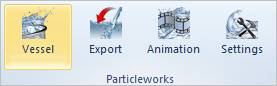
In Recurdyn
1. Create a body.
•If the user uses Fluid Level of Particleworks, it may not be made the body of the fluid.
•If the user uses File from of Particleworks, you may be made the body of the fluid and export the body to the *.obj file and must delete the body.
2. Specify the Vessel using the created body to import in Particleworks.
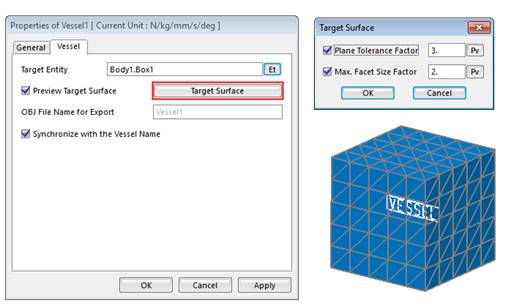
•When specifying the body, the user can control the mesh size of vessel.
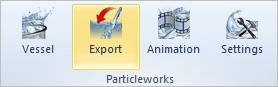
3. Export the *.obj file to the vessel.
4. Delete the body of the fluid.
•The body of the fluid is not used in the simulation.
5. After modeling the others such as joints or forces, save the model.
Note
You
must move the *.rdyn and *.obj files created by RecurDyn to
the scene folder for the Particleworks project.
Folder path:
<ProjectLocation>/Preject_Name/scene