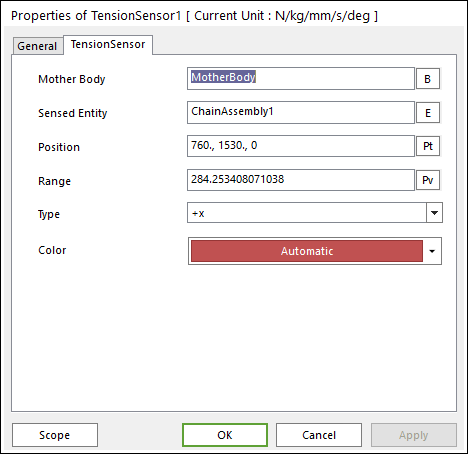
Figure 1 Tension Sensor property page
The Tension Sensor property page is shown in Figure 1. The parameters are explained below.
•Mother Body: Select the body that attached sensor.
•Sensing Entity: Select the assembly of chain system to measure output.
•Position: Enter the center position of sensor.
•Range: Enter the range of region to measure output.
•Type: Select head (+x) or tail (-x) tension of chain link.
•Color: Select the color of sensor.